1. Quick damage check before cleaning, scanning or restoration
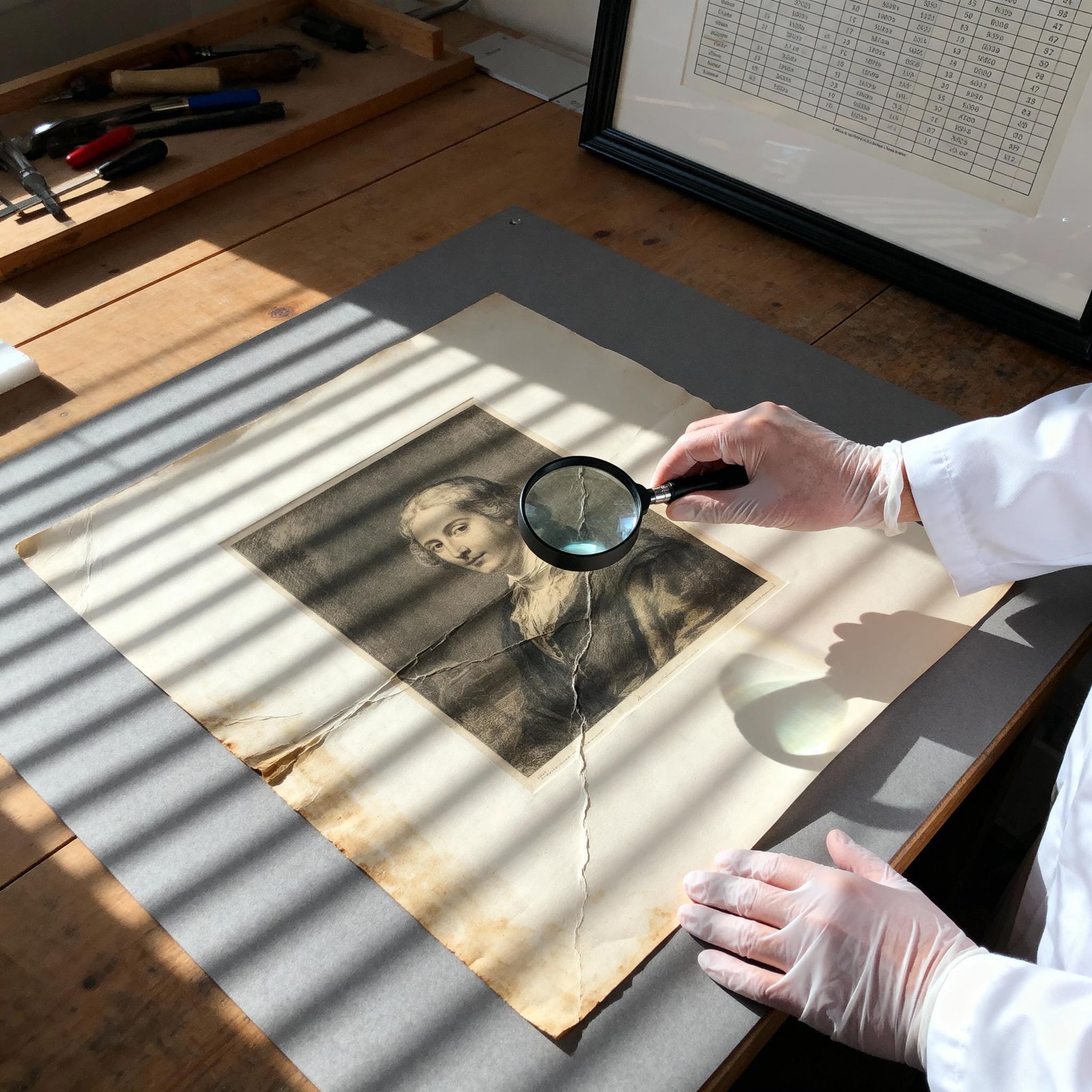
Start by looking at the photograph under good light without touching the image surface. Check whether the print is flat, stable and dry, or whether there are warning signs that make handling riskier.
The main issues to look for are creases and folds, tears, missing areas, silvering, fading, water marks, mould risk, surface dirt, sticky areas, cracking, flaking and emulsion damage. These signs help decide whether the photograph can be cleaned or scanned safely, or whether it should be assessed first.
2. Common types of damage in old photographs
3. When not to clean or flatten an old photo
Do not clean, flatten or press an old photograph if the surface is cracked, flaking, sticky, mouldy, water-damaged, badly curled or stuck to glass, paper or an album page. Forcing the print flat can split the surface, tear the paper or remove image detail.
If the photograph is fragile, the safer route is to identify the damage first, then decide whether it should be cleaned, scanned, stored or restored. That decision should be based on the condition of the original, not just the desire to get a cleaner digital copy.
Water Damage Warning
Do not clean, flatten or scan water-damaged photographs too quickly
Water-damaged photographs can have softened surfaces, staining, mould risk, stuck layers or weakened paper. Wiping, pressing or forcing the photograph flat can cause further image loss.
Next steps
4. What to do after identifying damage
Once you understand the type of damage, the next step is to decide whether the photograph can be cleaned, scanned and stored at home, or whether it needs careful restoration or professional assessment first.